Run Starting
The initial phase where the system prepares for the analysis run.
Equilibration
A stabilization process for the instrument before starting the run.
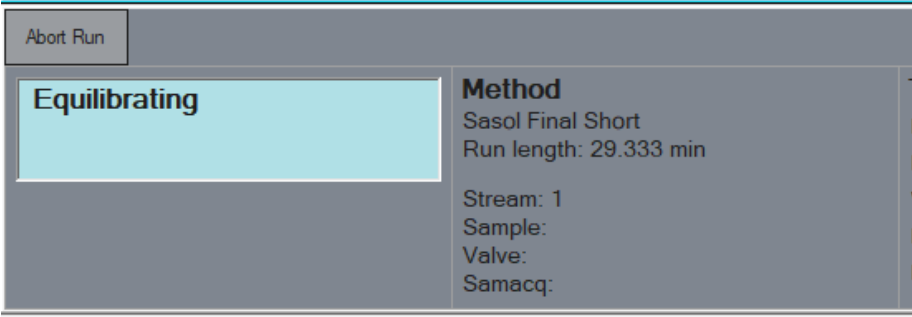
Abort Run
If the instrument is trying to reach its equilibrium, but you're not ready to continue, use this option to cancel the run before it officially kicks off.
Waiting for Trigger
Indicates the system is ready to begin the run but is waiting for a start signal.
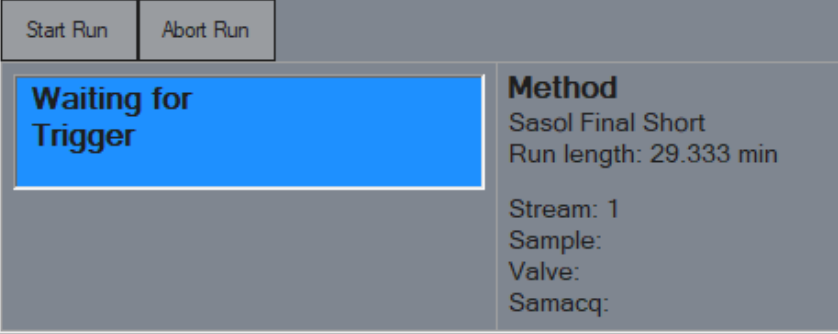
Start Run
Ready to roll? Trigger the run manually with this button. Alternatively, you can trigger it remotely through WinIStatus using the Eclipse Remote Start Samacq command.
Data Acquisition
The phase where the instrument collects and records data.
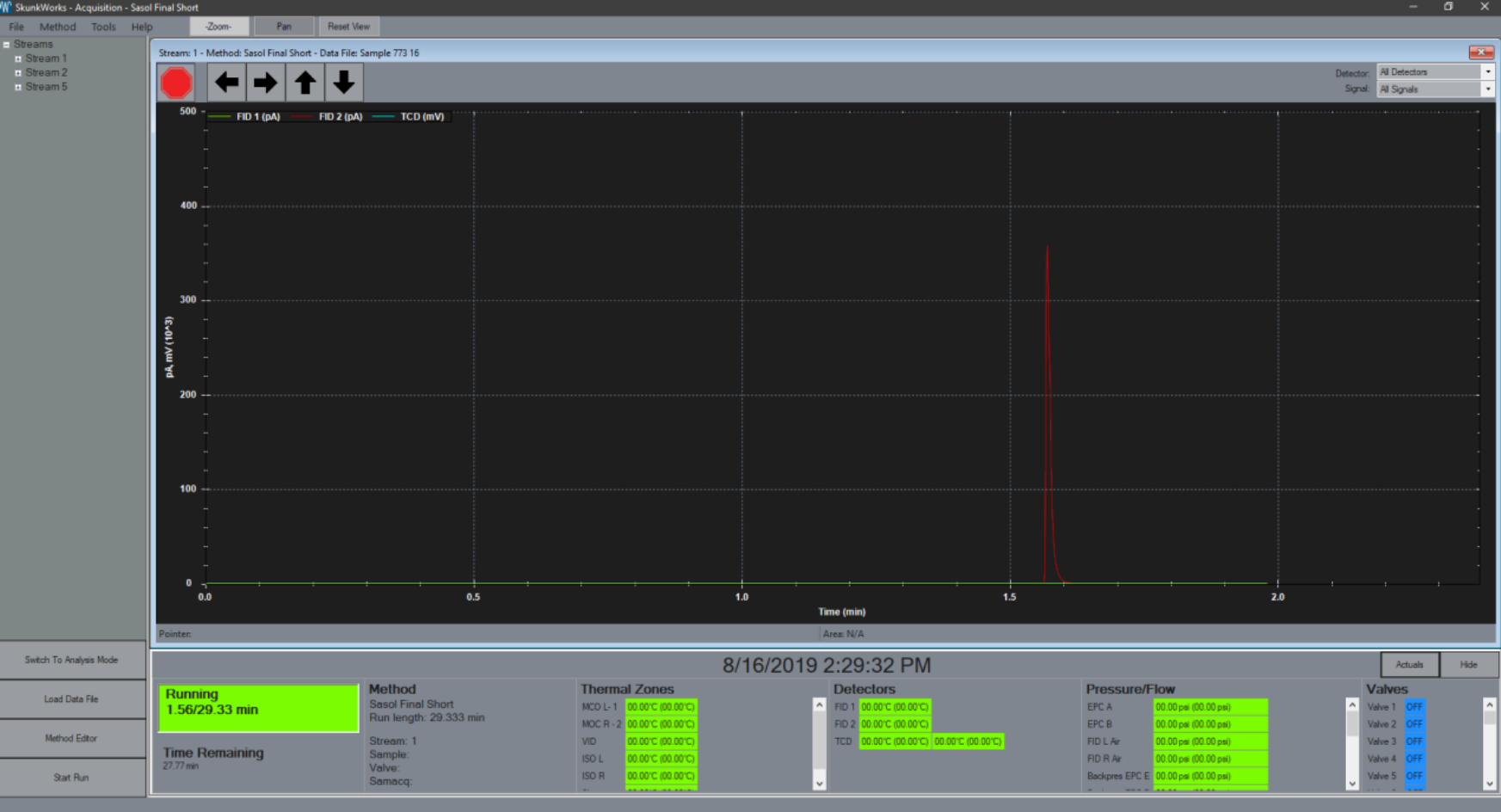
Stop
Want to cut the run short? Abort it, but don’t worry—the system will save any data that’s been collected so far.Detector Select
Have a detector with multiple signal outputs (like an MSD)? This feature shows all available signals, giving you full control.Signal Select
Focus on what matters—choose to display all available signals or zoom in on the one that interests you the most.Left Arrow
Shrinks the time axis, zooming in on the data.Right Arrow
Expands the time axis, giving you a broader view.Up Arrow
Need more detail? Stretch the y-axis to give you a closer look.Down Arrow
Compress the y-axis to fit more data into the view.Save Image
Capturing the moment? Save the current view of your data as a .png or .pdf to keep a record or share with others.
Instrument Actuals
Real-time performance data of the instrument during the run.
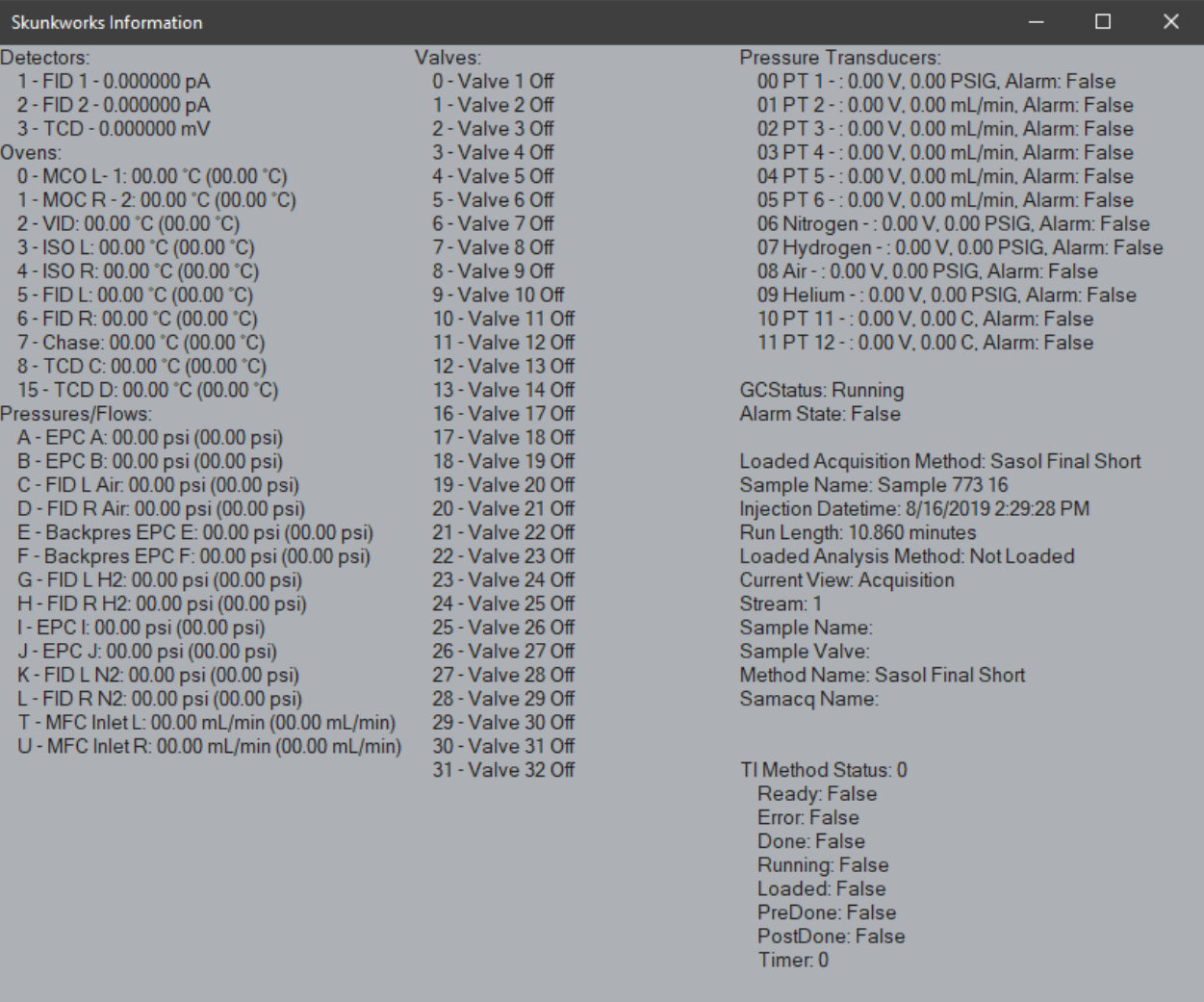
Instrument Actuals
Get the full picture! This section displays detailed views of all instrument actuals and Skunkworks status information, giving you real-time insights into how your instrument is performing.