Flow Device Out Of Sync
The Flow Device Out Of Sync form appears upon system startup if any flow devices in the selected instrument are out of sync. This condition indicates that the flow devices currently have null setpoints, preventing normal system operation.
To ensure proper synchronization and configuration, users must load a predefined method associated with the selected instrument before accessing the Main Screen.
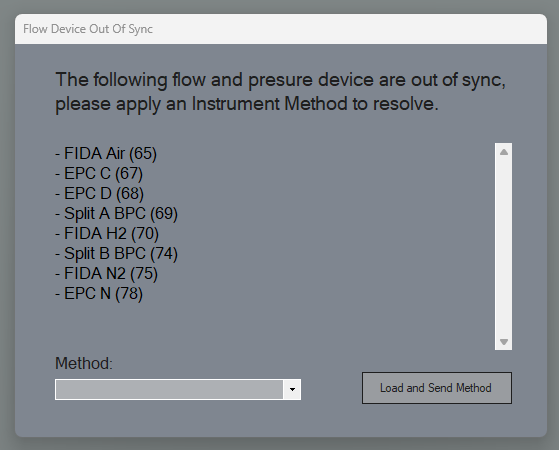
The screen enforces the following steps to align flow device setpoints and maintain data integrity:
Load an Existing Method: If methods are already associated with the selected instrument, the system prompts the user to select and load one of these methods. Loading a method will set the appropriate configurations and align the flow device setpoints.
Create a New Method (if none exist): If no methods are available for the instrument, the system will guide the user to create a new method. Once created, the user will be redirected back to the Flow Device Out Of Sync, where they must select and load this new method.