Online Plot
Online Plot screen that shows the user the signals, and it's possible to do some commands to facilitate the visibility of the data.
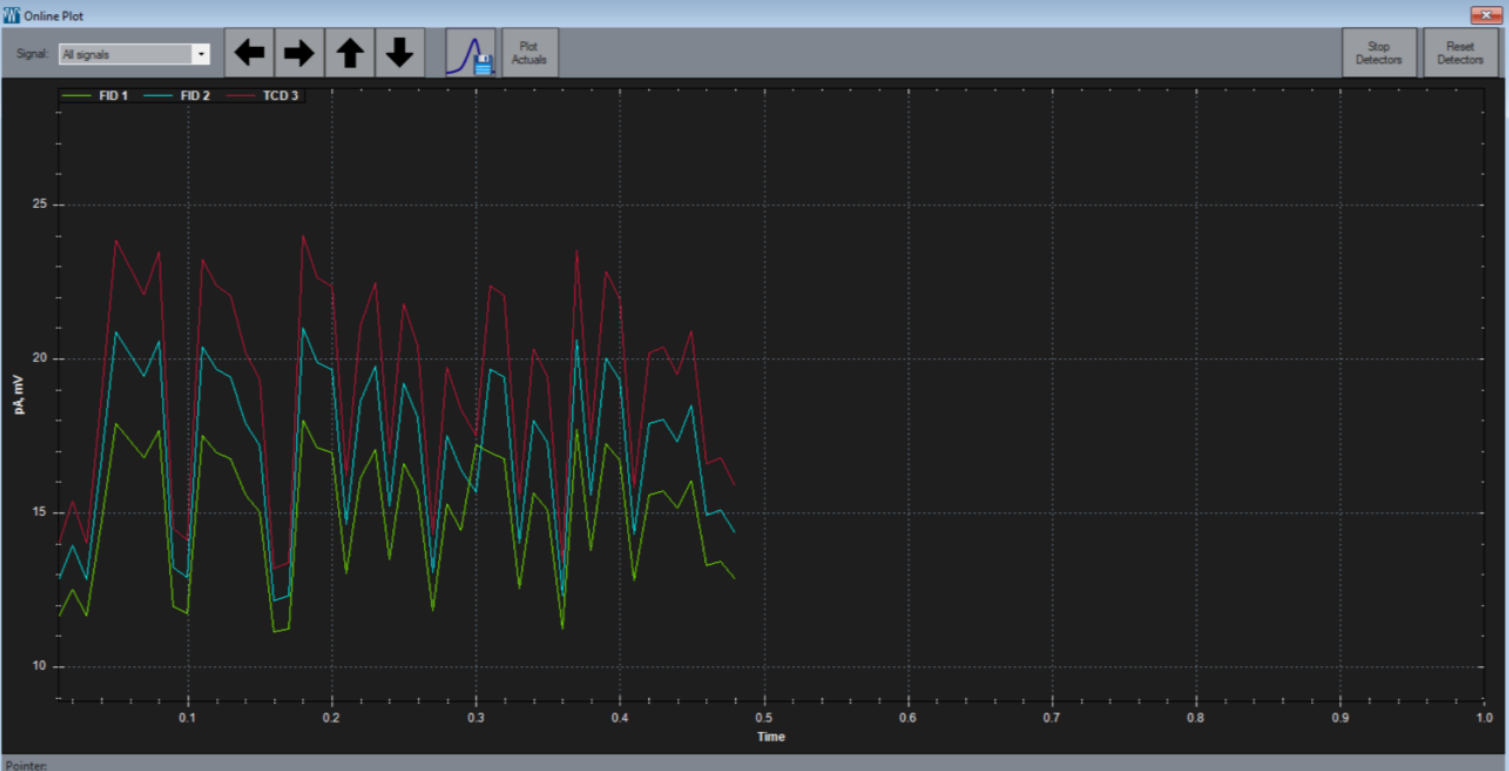
Signal Select
Allows you to show all available signals or switch to one of interest.Left Arrow
Shortens the viewable time axis.Right Arrow
Expands the viewable time axis.Up Arrow
Expands the viewable y-axis.Down Arrow
Compresses the viewable y-axis.Save Image
Allows for saving the current view as a.pngor.pdf.Plot Actuals
Allows for plotting the actuals of heaters and flow devices in real time.Reset Detectors
Stops all the detectors to allow for a quick recharge and then starts them back up.Stop Detectors
Stops all the detectors until started by a run or user.
Load Data File
Screen shows the previous runs so you can look up for a specific run and have more details about it.
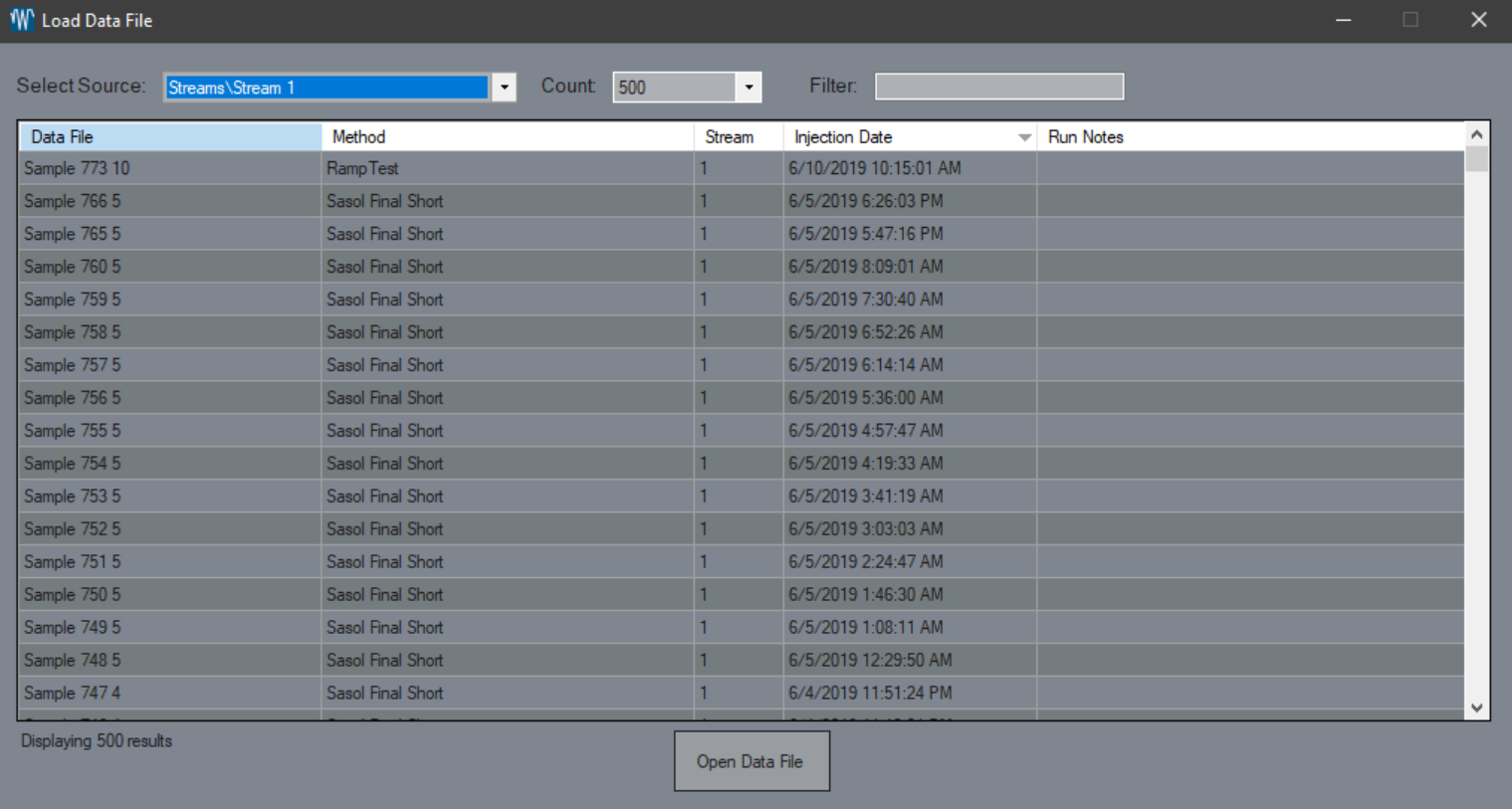
Select Source
Allows you to pick from a specific data source such as method or stream.Count
How many runs will be fetched.Filter
Allows for a search of the fetched data sets.Open Data File
Opens the selected data file. Runs can be double-clicked to open as well.